
Compose (Screen)
Custom UI Guide - Compose Screen
This guide provides an example of how to customize the screens using the Neurogine Headless SDK with Jetpack Compose. The example demonstrates how to override the default screens provided by the SDK.
🧑🏽💻 You can find the example code for screen provider in the Neurogine example repository.
UI States
Throughout the lifecycle of a NGPoiRequest, the Headless SDK shows the Screen differently. Here're all the UI State:
| State | Description |
|---|---|
| PreparationScreen | Preparing for the profile & reader. |
| AwaitingCardScreen | Awaiting card tapping. |
| ProcessingScreen | Online processing NGPoiRequest. |
| SchemeSensoryBrandingScreen | Upon a transaction approval, show per card scheme sensory animation. |
| SignatureScreen | Signature on screen. |
The default UI as following:
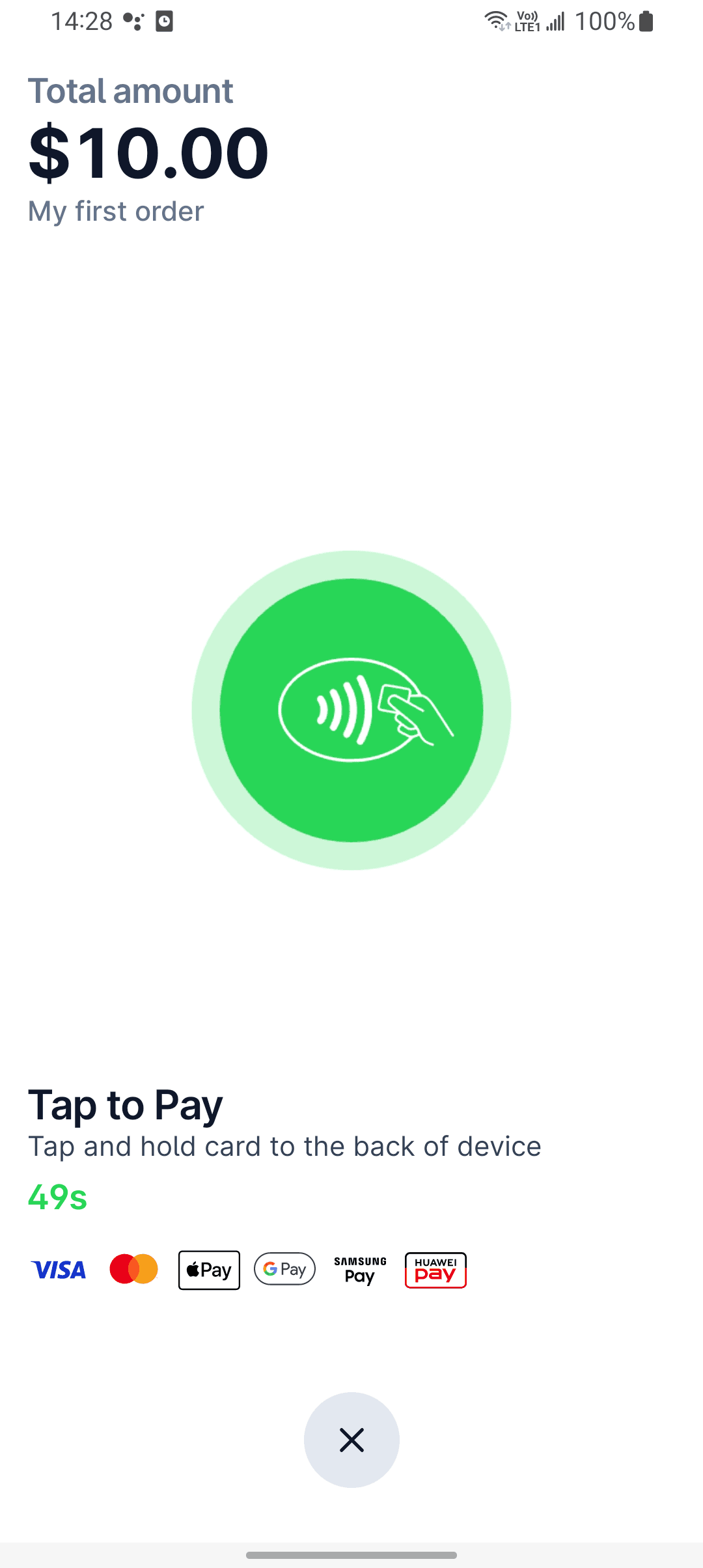
Awaiting Card Screen
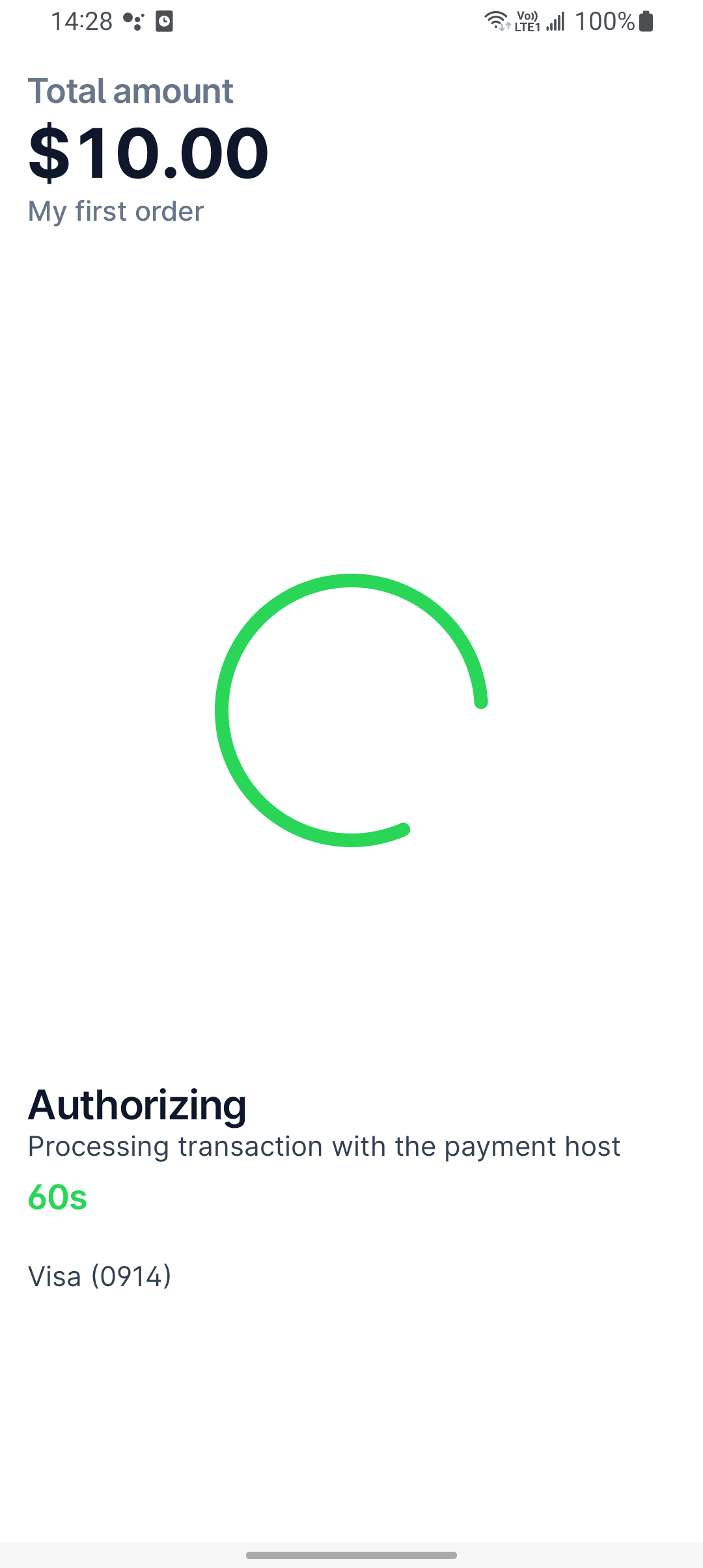
Processing Screen
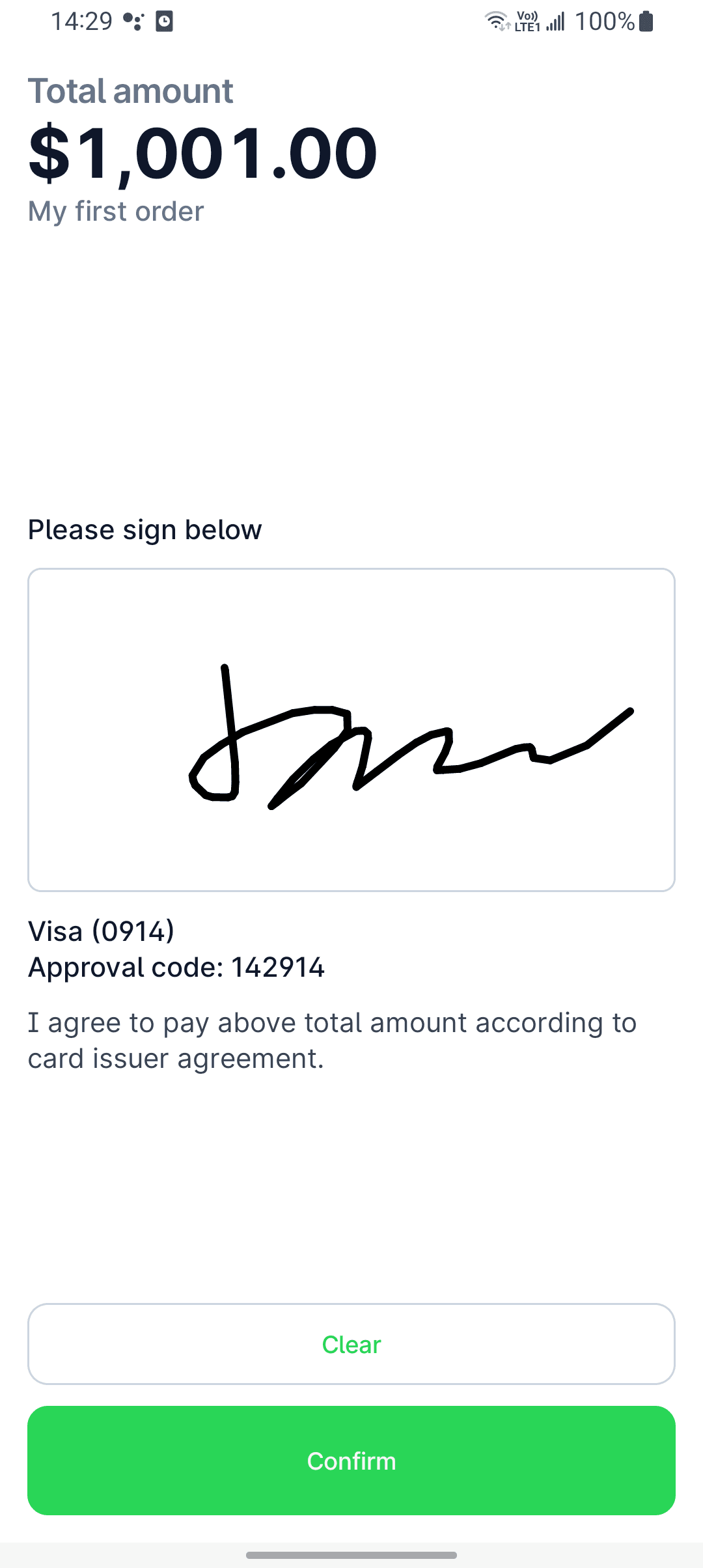
Signature Screen
Walkthrough
To customize the screen with the SDK,
1. Create a custom NGHeadlessActivity
class HeadlessImplWithScreenProvider : NGHeadlessActivity()Remember to register the new activity in the app's AndroidManifest.xml
2. Override the flag and ScreenProvider
From this activity, override both the experimentalScreenProvider = true and wire up a ScreenProvider
class HeadlessImplWithScreenProvider : NGHeadlessActivity() {
    override val experimentalScreenProvider = true
    override val screenProvider = object : ScreenProvider() {}
}
3. Customize your screen
From the ScreenProvider, you can find different screens (as a composable function) to override.
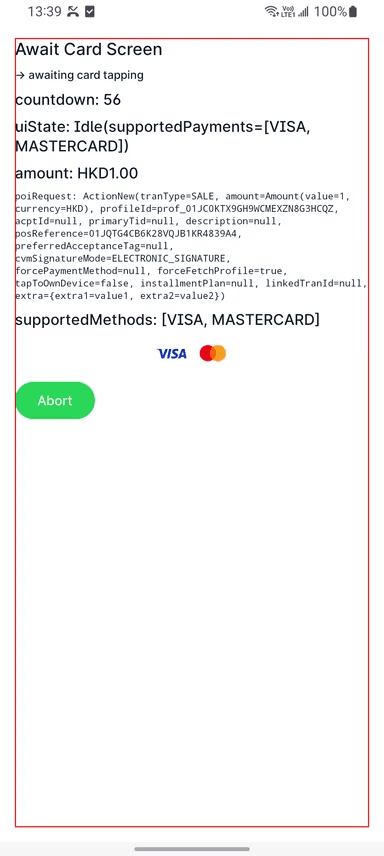
For example, if you want to have a custom await card screen:
@Composable
override fun AwaitingCardScreen(
    poiRequest: NGPoiRequest.ActionNew,
    awaitingFlow: Flow<UiState.Awaiting>,
    supportedMethods: List<PaymentMethod>,
    countdownFlow: StateFlow<Int>,
    onAbort: () -> Unit
) {
    val countdownSec by countdownFlow.collectAsStateWithLifecycle()
    val uiState by awaitingFlow.collectAsStateWithLifecycle(UiState.Preparing.Idle)
    Shell {
        Title(text = "Await Card Screen")
        Desc(text = "-> awaiting card tapping")
        Text(text = "countdown: $countdownSec")
        Text(text = "uiState: $uiState")
        AmountText(poiRequest.amount)
        NGPoiRequestText(poiRequest)
        Text(text = "supportedMethods: $supportedMethods")
        FlowRow(
            modifier = Modifier.fillMaxWidth(),
            verticalArrangement = Arrangement.spacedBy(HeadlessTheme.spacing.xs2),
            horizontalArrangement = Arrangement.spacedBy(
                HeadlessTheme.spacing.xs,
                Alignment.CenterHorizontally
            )
        ) {
            supportedMethods.forEach { it.Icon() }
        }
        Button(onClick = onAbort) {
            Text(text = "Abort")
        }
    }
}
Then the UI would look like: